Turn Any QR Label into a Simple Logbook
Use NuvoPage My Apps to turn a QR label into a practical logbook for cleaning, pet care, equipment, and other everyday activities.
Put the record where the activity happens
The cleaning checklist is in a drawer. The equipment notes are in a message thread. Someone fed the dog, but nobody remembers who mentioned it. Everyday records often exist somewhere; the difficult part is finding the right place to add or check them.
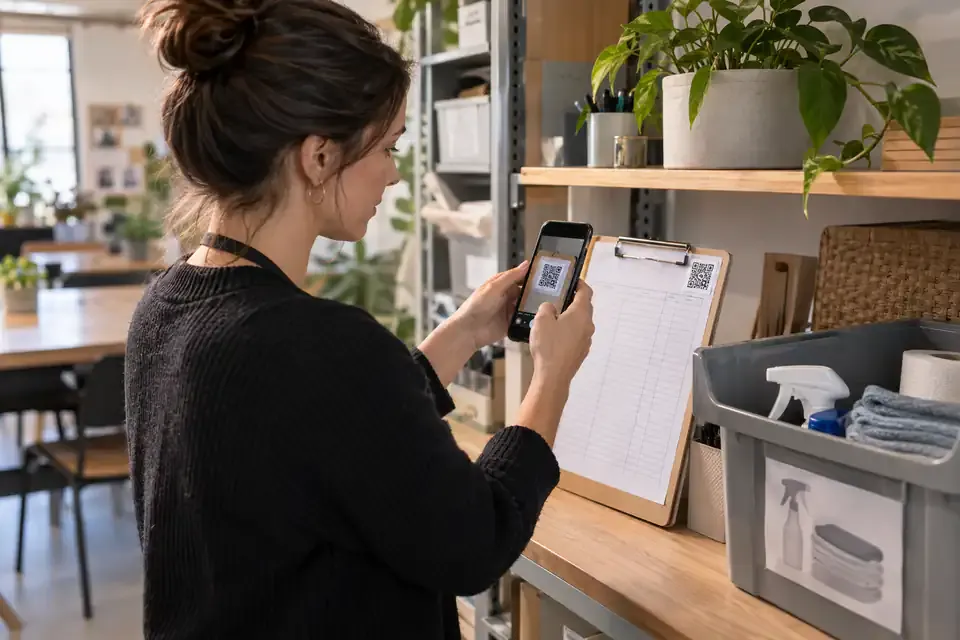
A QR-linked logbook gives the activity a recognisable home. Place a label where the task happens, scan it with a phone, and open the relevant form. The person does not need to search through a general dashboard to find the correct record.
NuvoPage My Apps uses this idea for simple logs and trackers. An owner sets up the app once, then other people use its link, QR code, or connected NFC tag to record what happened.
Start with one question worth answering
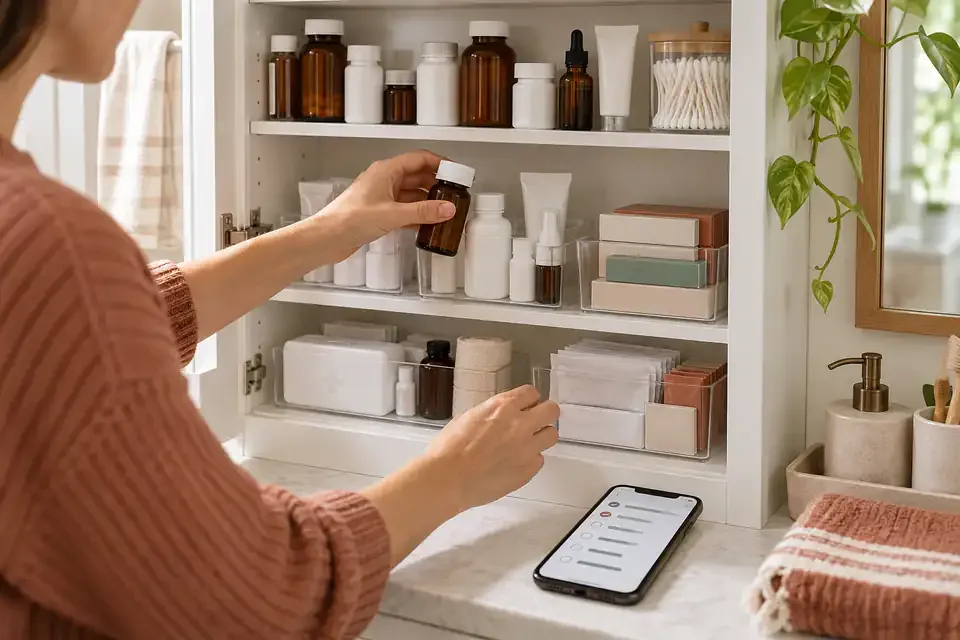
A useful logbook begins with a practical question. When was this room cleaned? What work was done on this appliance? Has this plant been watered? Which supplies were added or taken?
Choose a question that helps someone make a decision or coordinate a task. Recording information merely because a form can collect it creates work without a clear benefit. A short record becomes valuable when another person can use it later.
Name the app after the place, item, or activity people recognise. “Upstairs Washroom” is easier to identify at the door than “Cleaning Form B.” “Max’s Care Log” is more natural at home than a generic list of numbered tasks.
Choose a log or a tracker
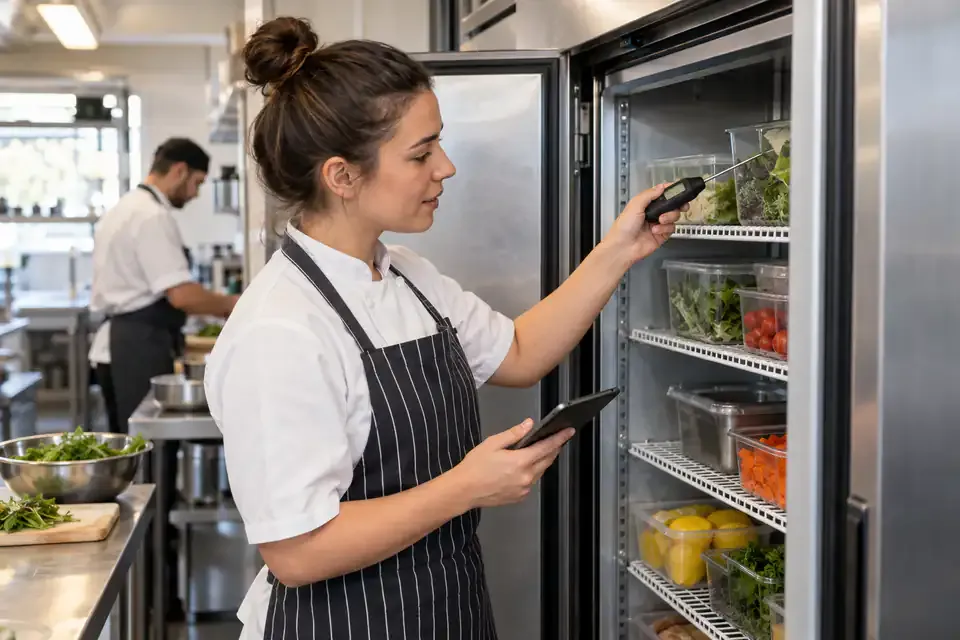
An activity log adds a new entry each time someone records an event. It suits cleaning, feeding, inspections, and meter readings. The history is the main result: what happened, when it happened, and the contributor label associated with it.
An item tracker describes things that continue to exist over time. A simple register can use an item name, relevant dates, and a current status. In the current NuvoPage release, each public submission creates a record; owners manage those records from their workspace.
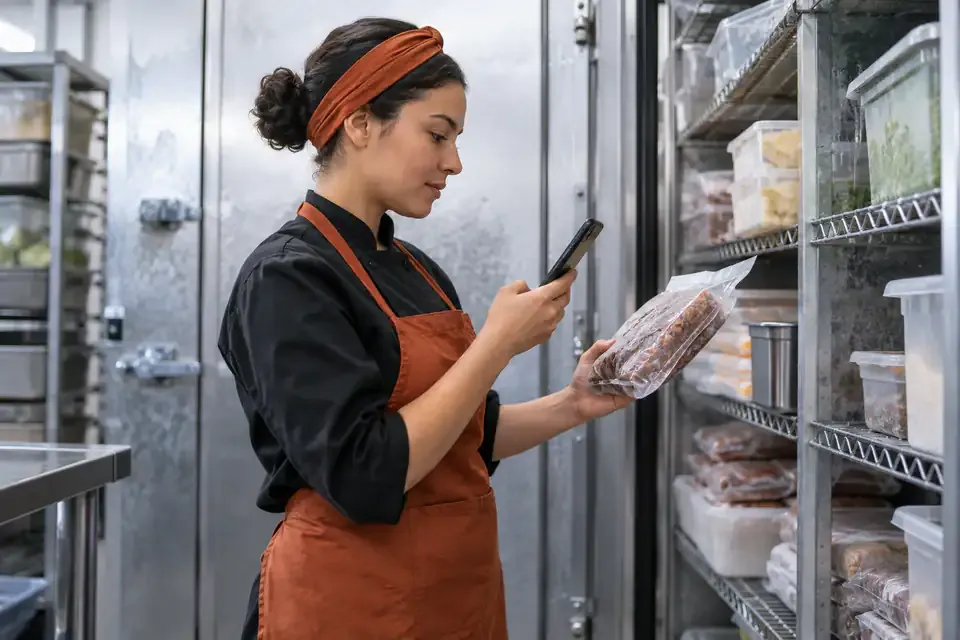
A quantity tracker adds movements such as Store and Consume to item records. It suits freezer inventory or shared supplies. NuvoPage templates prepare the appropriate starting structure so you do not have to decide every technical detail before creating a useful app.
Keep the entry form short
Begin with the fields needed to answer your main question. A cleaning log might need a checklist and optional notes. A pet-care log might need an activity choice and an optional amount.
NuvoPage’s reusable field approach lets the owner choose text, numbers, dates, choices, checkboxes, and barcodes. A template provides a starting point, but the labels and fields can be adapted to the actual task.
Avoid asking people to retype information already supplied by the context. If the QR code opens the log for one room, the person should not need to choose that room again. The app should do the organising so the visitor can concentrate on the entry.
Keep repeatable actions short
Some activities need only a clear confirmation. A short choice such as “Watered” can record the activity without asking the person to write a sentence explaining what happened.
Keep optional detail nearby for exceptions. The person may want to note that the soil was already wet or that a leaf looked damaged. A short form and optional note can support both ordinary use and useful observations.
Do not make the action so automatic that scanning itself records completion. Opening the log means someone reached the page, not that the work happened. An explicit action gives the person a moment to check the app name and confirm what they are recording.
Choose who can add and who can view
Different settings need different access choices. A household may allow anyone with the label to add entries. A business may let staff contribute while reserving history for the owner. Another shared space may use simple contributor PINs.
NuvoPage separates contribution from inventory-balance visibility. The owner can choose Anyone, selected people using a PIN, or owner-only access. Full records remain in the authenticated workspace.
A PIN can identify a familiar label such as Jack without requiring a NuvoPage account. It is a convenient shared-work arrangement, and the owner can change it. If people share the PIN, entries carry that label; it should not be interpreted as proof of which individual held the phone.
Make the label unmistakable
The physical label should explain both the subject and the action. “Kitchen cleaning log — scan to record cleaning” is clearer than an unexplained QR pattern. If NFC is available, mark where to tap.
Place the label where the task naturally ends or where someone looks before starting. A cleaning label near the relevant room is easier to connect with the task than a general sign in a distant office. A care log near the supplies can work well at home.
Test the label after it is attached. Make sure the name on the first screen matches the physical place. This small check matters when you create several similar apps and print their labels at the same time.
Read the history with its limits in mind
A history is a record of submitted entries. It cannot tell you about work that someone completed but forgot to record. A blank period is a reason to ask a question, not automatic proof that nothing happened.
Look for information that helps the next person: the latest completed task, a note about a problem, or a repeated issue worth discussing. Keep the focus on coordination and useful follow-up.
If an entry needs correcting, preserve the context rather than quietly making the past look different. Clear corrections help explain why a record changed. The aim is a history people can understand, including the ordinary mistakes that occur when someone enters a number or chooses the wrong option.
Grow from a working routine
Try one logbook before copying the idea across every room or object. Ask the people using it which fields slow them down and which information they actually read. Remove unnecessary steps and make the main action easier to find.
A small app that people use consistently is more helpful than an elaborate form they avoid. You can add a field later when a specific need appears, rather than predicting every possible situation at the beginning.
Create a NuvoPage app around one useful question, attach its label, and test a real entry. Whether the task involves a freezer, a workshop, or feeding the dog, the principle stays the same: make the right record easy to open at the moment it is needed.