Keep Freezer and Chiller Temperature Logs Easy to Complete
Make temperature recording straightforward with NuvoPage My Apps: equipment QR labels, short forms, corrective-action notes, and readable history.
Make the recording step easy to find
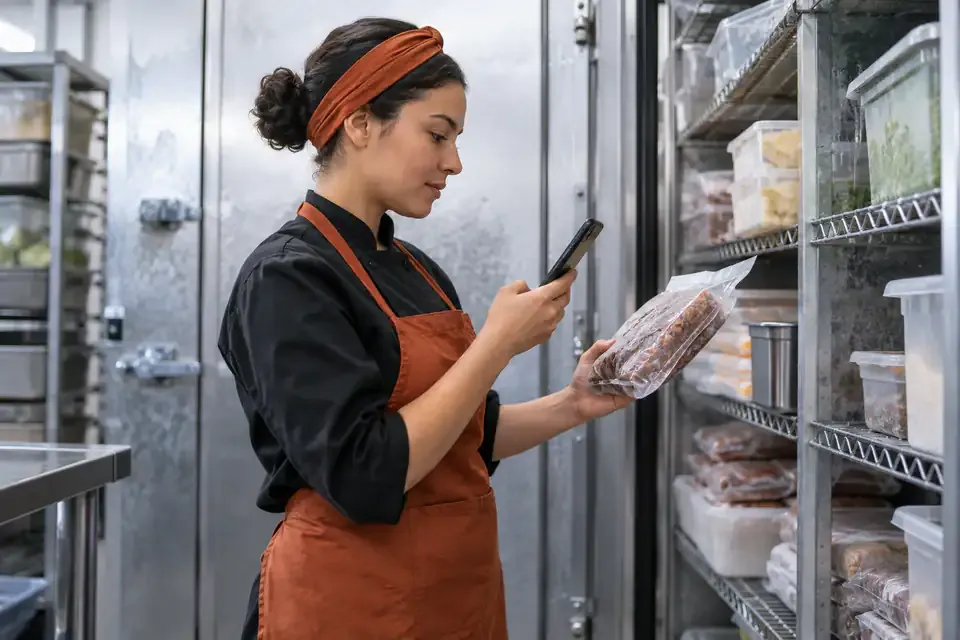
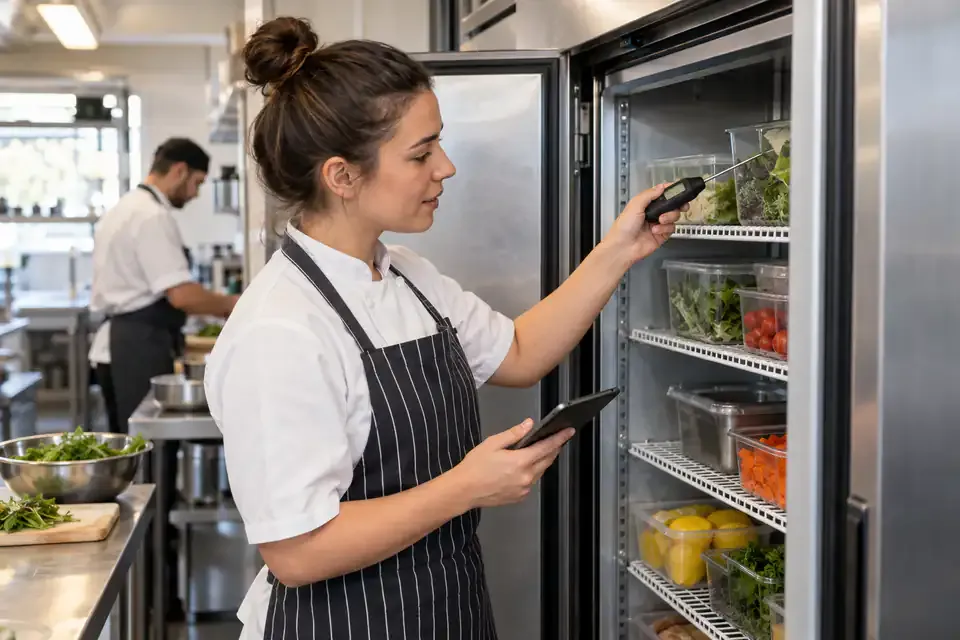
A temperature check involves several distinct actions. Someone finds the correct unit, reads the appropriate instrument, considers the result under the workplace procedure, and records what happened. If the recording sheet is missing or the form is difficult to find, that last step can become an unnecessary interruption.
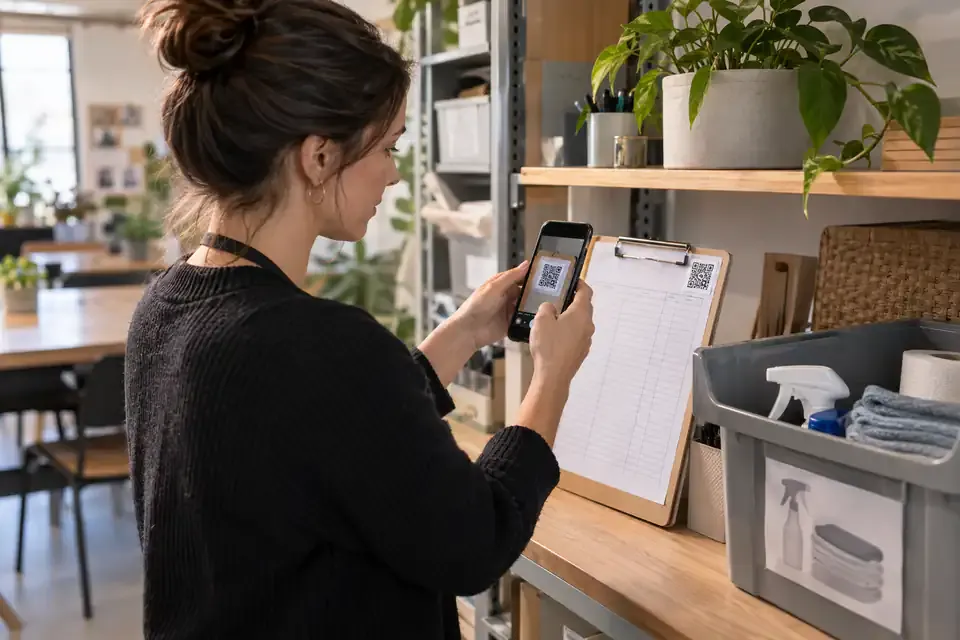
A QR label on the unit gives the record a consistent location. The person scans it and opens the log for that freezer or chiller directly in a browser. There is no need to search a general folder for the right sheet.
NuvoPage My Apps helps organise this recording step. It provides a place for readings, notes, and follow-up details while your business remains responsible for defining and carrying out its operating procedures.
Create a separate identity for each unit
Use the Temperature Log template and give the app a name that matches the equipment. “Kitchen Chiller 1” and “Back Storage Freezer” are easier to distinguish than a list of generic temperature forms.
Put the same name on the physical label if staff need help matching units. If equipment already has an internal number, include it in the app title or instructions. Consistency prevents a correct reading from being recorded against the wrong appliance.
Keep the unit context fixed by the QR destination. A member of staff standing in front of the chiller should not have to select it again from a long list. The first screen should confirm the name clearly before asking for a reading.
Record a number with an explicit unit
A temperature field needs more than an empty box. Display the configured unit beside it, and make the number easy to enter on a phone. Clear units reduce ambiguity when someone reviews the history later.
Write brief instructions explaining which reading your workplace expects people to enter. Different checks can refer to different instruments or measurement locations, so the log should reflect the procedure your business has chosen rather than leave staff guessing.
Avoid filling the temperature field with the previous value as though it were a fresh reading. Convenience should not encourage accidental reuse. The person should enter the observation made for this check and confirm it before saving.
Keep routine entries short
For an ordinary reading, the form might need only temperature and an optional note, with the recording time captured automatically. If contributor PINs are enabled, the entry can carry the associated person label without asking for a name every time.
Not every check needs a long explanation. Add detail when it serves a purpose, especially when something unusual happened. Requiring unnecessary information on every entry can distract from the reading the log is intended to preserve.
The ideal routine is easy to explain: scan the unit label, enter the reading, add any relevant note, and submit. A clear saved confirmation tells the person when the recording step has finished.
Interpret readings through your own procedure
NuvoPage records the number and its unit, but the current release does not automatically judge the reading or apply compliance thresholds. Explain the expected procedure in the app instructions so the person making the entry knows what the record represents.
The reading’s meaning depends on the actual equipment, contents, measurement method, and procedure being followed. Review it using the limits and actions your business has established.
Keep this distinction visible in training: NuvoPage is recording entered information. A template does not establish the correct limits for every workplace, certify compliance, or replace equipment checks. Use limits and instructions that your business has established for the specific task rather than copying numbers from an unrelated example.
Record what happened after an unusual reading
A number may explain that something was different, but a short note can explain what people did next. Useful records distinguish the initial observation, the response, and any subsequent check.
For example, someone might record that they notified the responsible person or requested an equipment check. The note should describe the action actually taken, using the workplace’s procedure, rather than implying that entering the note itself resolved the issue.
Record a later reading as a separate observation instead of replacing the original number. This preserves the sequence. A manager reviewing the log can then see what was first noticed and what was recorded afterwards, without an earlier entry disappearing from the history.
Keep occurrence time separate when needed
Sometimes a person records a check shortly after making it rather than at the exact moment of observation. If your setup allows an activity time, use it to distinguish when the check happened from when the entry was saved.
That distinction is especially helpful when reconstructing a sequence. An automatically captured submission time is useful, but it should not be mistaken for a measurement time if the two were different.
If someone forgets an entry, follow your process for recording the omission or adding a clearly identified late entry. Do not fill a gap with an assumed reading. A useful log preserves what is known and makes uncertainty understandable to the people relying on it.
Set access around the team’s routine
The owner can allow contributions without a NuvoPage account or use simple PINs associated with contributor labels. Choose the approach that fits how the staff access the unit during work.
Record history is available to the owner and workspace activity users. Public contributors receive a saved confirmation rather than the full log, which keeps the entry task focused.
Remember that a shared PIN is a label for convenience, not verified individual identity. If your organisation requires a stronger attribution process, assess that requirement separately. Keep the logbook’s practical purpose clear: make routine recording accessible without claiming a level of identity assurance it does not provide.
Review patterns and maintain the label
Choose someone to review records at an appropriate interval for your procedure. Look for entries that need follow-up, unclear notes, or recurring equipment observations. Missing entries are also worth discussing, while remembering that the log only shows what was submitted.
Use exports when you need to review the records outside the app. Keep the equipment name, units, dates, and contributor labels understandable so the exported information still has context.
Check the physical label periodically too. A damaged QR code or a link assigned to the wrong unit undermines an otherwise simple process. Begin with one appliance, test a normal entry and an entry with a follow-up note, and refine the form with the people doing the work. A reliable recording habit starts with a clear task and an easy place to save it.