Build Your Own Mini App for Everyday Tasks
Create a simple NuvoPage mini app from a template or blank table. Choose useful fields, access settings, and a QR or NFC entry point.

Your everyday task does not need to fit a category
Perhaps you want to record when someone watered the plants. Perhaps your workshop needs a list of supplies added and taken. Maybe you want a simple mileage log, a record of practice sessions, or a shared checklist for preparing a room.
These tasks have different names, but they often need the same few things: a clear place to open, a short form, and a history or list that remains understandable afterwards.
NuvoPage My Apps is built around that shared structure. Templates help you begin, while editable fields let you adapt the app to your own situation. You can start with a familiar example and turn it into something useful for a task the template never specifically named.
Describe the result in one sentence
Before adding fields, finish this sentence: “I want people to record this so that we can know…” The answer gives the app a purpose.
For plant care, you might want to know the last recorded watering. For a supply cabinet, you want to know the recorded quantity remaining. For practice sessions, you want to see what was practised and for how long.
Keep the first version focused on that result. If the sentence contains several unrelated goals, you may need separate apps or a narrower starting point. A small tool becomes easier to configure when you know exactly which question its records should help answer.
Choose the right behaviour for the record
Use an activity log when each action should create a new event. Feeding a pet, cleaning a room, or recording a trip all fit this pattern. The useful output is a sequence of entries.
Use an item tracker when each row describes something you continue to manage, such as an equipment item or a package with a recorded date. The useful output includes its current details and status.
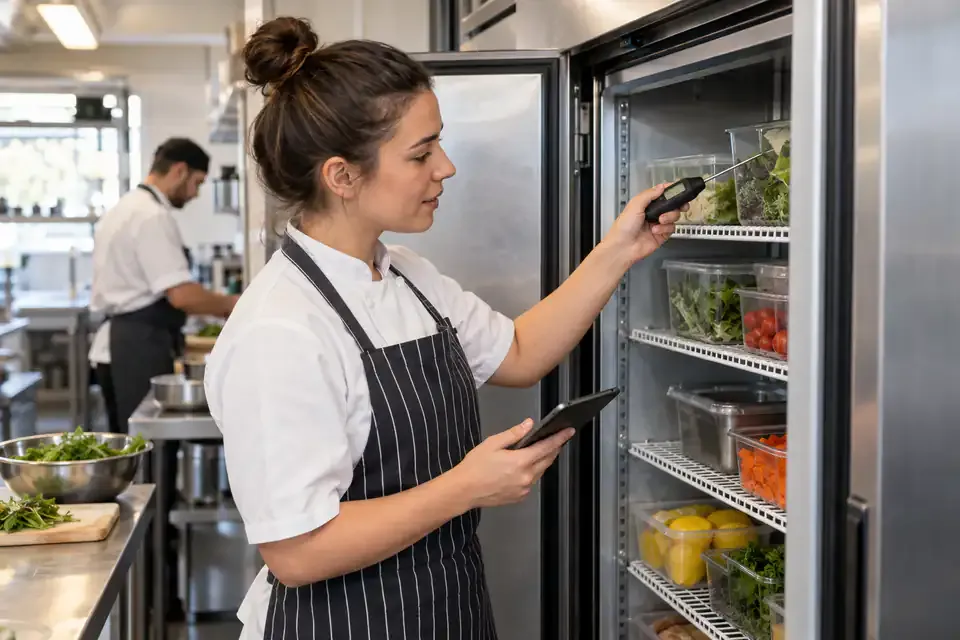
Use a quantity tracker when adding and removing items should change a balance. Freezer inventory and shared supplies fit this pattern. Quantity movements need to be recorded through the appropriate actions so the balance remains connected to its history.
Start with the nearest template
Choose a template that resembles the task, even if the title is different. Plant care and pet care both involve repeatable activities. Pantry inventory and freezer inventory both involve products, quantities, and possibly dates.
Review the starting fields before changing everything. Rename labels that do not match your situation, remove unnecessary requirements, and add only the information needed for your purpose. The template supplies a useful structure, not a fixed business process you must adopt.
A blank app is a good choice when the available templates add more confusion than help. Even then, keep the initial version small. A clear text field, a date, and one useful choice can be enough to test whether the record fits your routine.
Pick fields that people can answer consistently
A number field is useful when you need a quantity, reading, or duration. Put the unit beside it so people understand whether to enter minutes, kilometres, packs, or another measure.
A choice field works well for a short set of repeated activities. It prevents small wording differences from making the history harder to group. Text and notes remain useful for explanations that cannot be predicted in advance.
Use checkboxes for clear confirmations and dates for recorded calendar information. Avoid collecting everything just because the builder makes it possible. Every field should either help the person record the event or help someone understand the result later.
Make the most common action the easiest one
Consider what people will do most often after opening the app. A plant-care log may benefit from a prominent activity choice such as “Watered.” A quantity tracker provides Store and Consume actions. A mileage log uses a short form for the trip’s details.
Arrange the first screen around that action. Do not make people browse a large table before reaching the entry form if the main purpose is recording something quickly.
Keep an explicit confirmation before a change is saved. Opening the app is not the same as completing the task. A person should have a chance to check the context and values, then receive a clear confirmation when the entry has been recorded.
Use calculations only when they answer the question
Quantity templates calculate the balance resulting from recorded Store and Consume movements. Other templates, including Mileage Log and Money In/Out, currently preserve the entered values without automatically calculating totals.
For money in/out, a configured currency and consistent positive amounts with an In or Out choice make exported records easier to total elsewhere. They do not automatically represent a reconciled bank balance.
You do not need a general formula system to make these apps useful. Focus on accurate inputs and use the built-in quantity balance only where it applies. More complex arithmetic would not fix records that use inconsistent units or omit everyday changes.
Decide how people will reach it
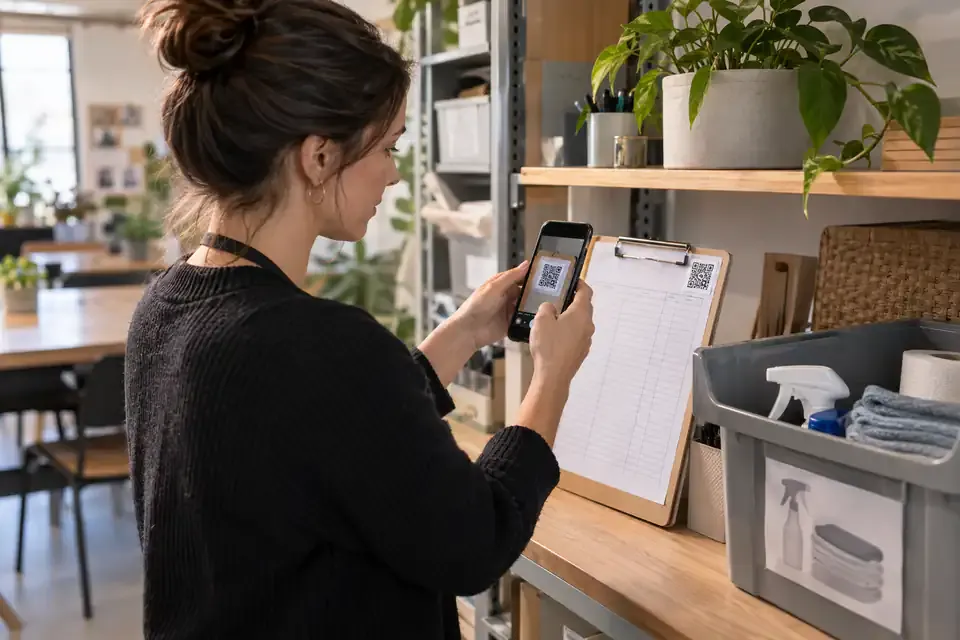
A shared link works when people are already communicating online. A QR label works when the task belongs to a place or object. NFC can provide a tap option for a compatible phone when a connected tag is within easy reach.
Name the app and label in everyday language. “Watering Log — Kitchen Plants” explains more than “App 7.” The person should recognise the task as soon as the browser opens.
Choose access deliberately. Anyone mode can keep a suitable task immediate, while simple PINs provide contributor labels without NuvoPage registration. Set viewing separately so people receive the access that helps the activity without automatically exposing every record to everyone who can submit.
Test with a real task and improve from there
Create a few entries using the actual routine, not only imagined examples. Use the phone, location, and people involved. Notice where someone hesitates, retypes information, or needs a note because an option is missing.
Then inspect the result. Can you answer the question that started the app? Can another person understand a record without asking its author? If the table is full of information but the answer remains unclear, simplify the structure or improve the labels.
Make small changes and keep existing records understandable. Your first version does not need to anticipate every use. With NuvoPage, you can begin with one task, a few useful fields, and an easy way to open them. The app becomes valuable when it fits naturally into something people already do.