One QR Code, a Link You Can Update Anytime
Keep printed QR codes useful as your content changes. Learn how NuvoPage My Links connects one reusable code to a destination you can update.

Your printed materials last longer than a promotion
You print a stack of cards, place a sign on your counter, or attach a QR sticker to a display. Everything works. Customers scan the code and reach the page you intended. A few weeks later, the promotion changes, the menu moves, or you notice that a different page would be more helpful.
The printed material is still in good condition, but the destination needs attention. Reprinting everything feels wasteful, especially when some cards have already left your business.
This is where a reusable link becomes useful. With NuvoPage My Links, your printed QR code can point to a managed link whose destination you can change. The physical code stays the same while you update the online experience behind it.
Understand what a QR code actually stores
A QR code contains a fixed piece of information. Often, that information is a website address. When someone scans the pattern, their phone reads the address and offers to open it. Changing the webpage at that address does not change the pattern printed on your card.
The important question is therefore not whether the picture itself can change. It is what the encoded address points to and who controls that address.
A static QR code that contains your contact-page URL can remain useful when you edit that contact page. However, if the page moves to a different address, the original code still contains the old one. A managed link gives you a separate place to update the destination without replacing the printed pattern.
Choose between a direct destination and My Links
NuvoPage provides static QR generation in the browser without requiring an account. This can be enough when you have a stable destination and want a straightforward code for it. A permanent information page or an address you control may be a good fit.
My Links is useful when you want flexibility after printing. Instead of placing the final destination directly inside the code, you use a NuvoPage link. That link sends the visitor to the destination you have selected.
Neither choice needs to be complicated. Ask yourself one practical question: if the final address changes, do I want to update it from my workspace? If the answer is yes, create the reusable link before you order signs, cards, or stickers.
Start with the visitor’s purpose
Give each link a clear job. A code beside a product display might open product details. A code on a reception desk might open contact information. A code on a review card should take customers to the review experience described on the card.
Choose a name in your workspace that helps you recognise the link later, such as “Front counter contact card” rather than “Link 12.” The customer does not need to see your internal organisation, but you will benefit from it when making updates.
Keep the printed wording tied to a purpose that can remain useful. “View our current menu” gives you room to replace the menu content. A highly specific promise about an expired offer gives you less flexibility, even if the destination itself is easy to change.
Make updates that still match the invitation
Imagine a community workshop using one QR code on a noticeboard. The printed invitation says “See upcoming workshops.” In January, the destination highlights winter sessions. In spring, the same link opens the next schedule. The person scanning still receives what the sign promised.
Now imagine changing that destination to an unrelated sales page. The code may function perfectly, but the experience no longer matches the invitation. The visitor has to work out why they are somewhere unexpected.
Use destination changes to keep information relevant, correct mistakes, or improve the route to the same purpose. If the purpose changes substantially, update the printed wording as well. A reusable link is most useful when it preserves the customer’s understanding of what will happen.
Connect pages, small websites, and physical cards
NuvoPage gives you several possible destinations. A focused page can handle one task, such as showing contact details or collecting a request. A small website made through My Webs can bring several relevant pages together when visitors need a broader introduction.
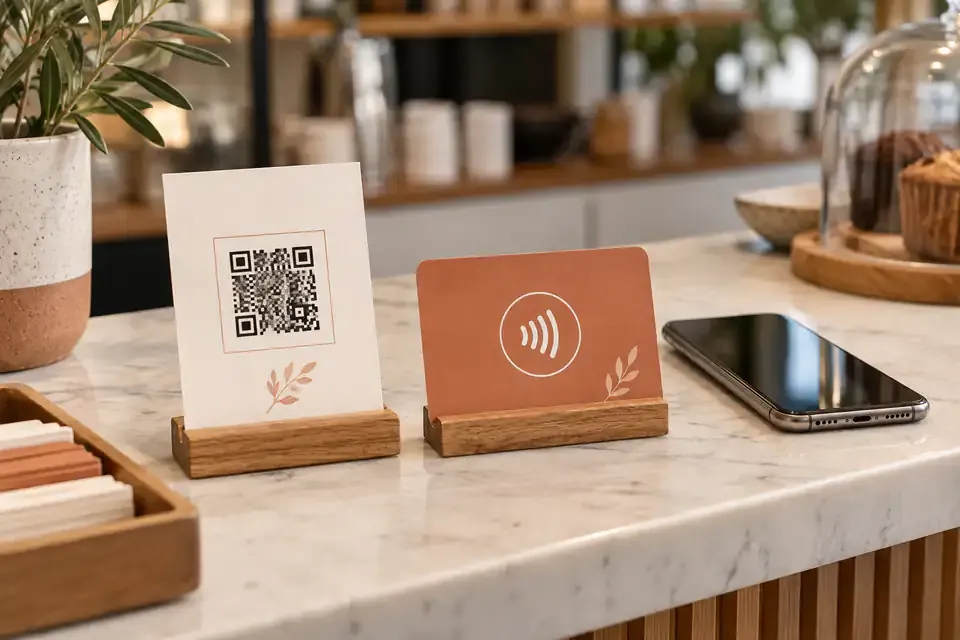
My Cards connects physical QR and NFC products to a NuvoPage link or website. This helps you keep the physical item and its online destination organised in the same workspace.
Choose the shortest journey that serves the situation. Someone scanning a booking-request sign should be able to find that request quickly. Someone scanning a general business card may appreciate a small website with services, contact details, and other information. The destination should reflect why the person reached for their phone.
Test before printing a full batch
Start with a small printed sample. Scan it from the distance at which customers will use it and check that it opens the intended link. A code that looks clear on your monitor may be harder to scan after printing, especially if it is small, crowded, or placed on a reflective surface.
Leave clear space around the code. Keep decorative elements away from the pattern and make the instruction readable. Test with more than one phone if you can, and check the page on a mobile screen rather than only on your laptop.
Walk through the full action. Finding the page is only the beginning. Confirm that buttons, contact details, forms, and any external destination behave as you expect before distributing hundreds of copies.
Maintain the destination as part of normal business
Reusable links still need care. Keep the NuvoPage link and its destination active, and check important printed codes periodically. Do not assume that creating a code makes every connected website permanently available.
After changing a destination, scan the physical code again. This catches errors that are easy to miss when you only inspect a saved URL. If several employees manage content, agree on who can change customer-facing links and how the team will know that an update has happened.
A simple list of where your codes are placed can help: counter, window, brochure, equipment label, or event display. It gives an update a real-world context and reduces the chance of changing a link without remembering what its printed invitation says.
Print with a plan for tomorrow
You do not need to predict every future page or promotion. You only need to decide which printed materials would benefit from an editable destination. Start with the items that are expensive to replace, widely distributed, or intended to stay in place for a long time.
Create a clear link name, choose the right destination, test a sample, and keep the visitor’s purpose consistent. When information changes, update the destination and verify the journey again.
NuvoPage My Links makes this ongoing work manageable. Your printed QR code becomes a reusable way to reach current information, helping a small piece of physical material remain useful as your business develops.