A Small Business Website: What to Put on Your First Three Pages
Start your business website with three useful pages. Get friendly writing tips for an Introduction, Contact Us, and FAQ, plus ideas for what to add later.
You do not need to write everything today
A small website can do a useful job without a long menu. Visitors usually want to know what you offer, whether it suits them, and how to take the next step. Start by answering those questions clearly.
A good first combination is Introduction, Contact Us, and FAQ. All three are included among NuvoPage’s seven Free page types, and Free allows three published pages. You can build something complete before deciding whether you need more.
Page one: introduce your business
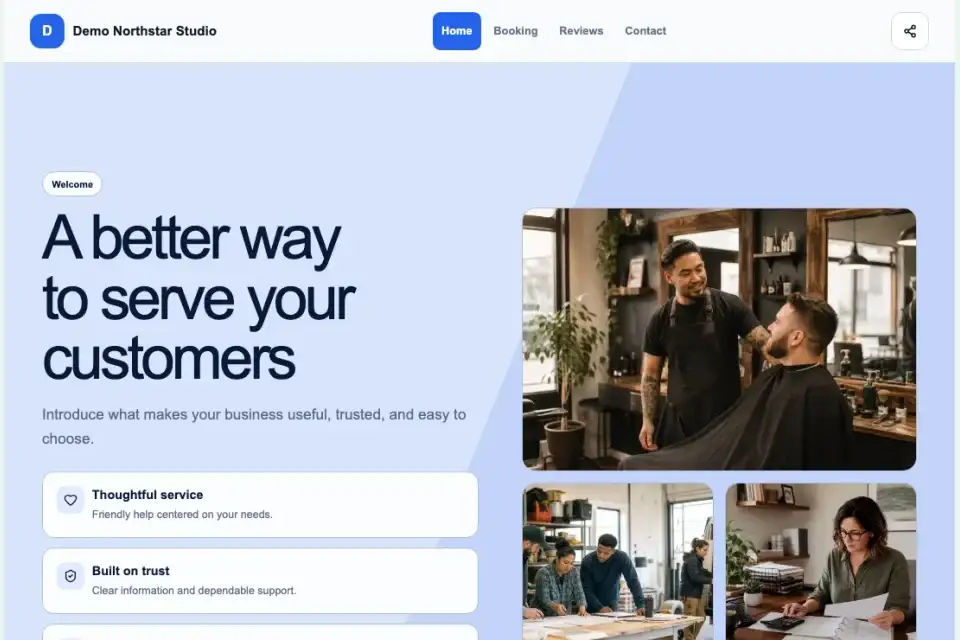
Your Introduction should quickly explain who you help and what you do. “Friendly garden care for busy homeowners” tells visitors more than “Welcome to our website.” Add your service area if location matters.
Follow the headline with two or three useful sentences. Describe the work, what makes your approach helpful, and the action visitors should take. Keep claims specific and honest. You do not need to sound like a large company to sound trustworthy.
Before saving, check three things: can a new visitor understand your offer, can they tell whether it is for them, and is the next step clear? Read the text aloud. If it sounds awkward in conversation, make it simpler.
Page two: make contact easy
Give visitors a clear way to reach you. Include the contact details you want to share publicly and, where relevant, your business location or service area. A short enquiry form can help people contact you outside opening hours.
Explain what information would help you reply. A decorator might ask about the room and approximate project date. A tutor might ask about the subject and learning goal. Avoid requesting sensitive details that are unnecessary for the first conversation.
Page three: answer the questions you hear most
Start your FAQ with real customer questions. How does the service work? Which areas do you cover? What should someone prepare? How do they get a quote? Five useful answers are better than a long list nobody needs.
Keep each answer direct. Put the main point first, then add any important condition. If a price depends on the project, explain how customers can get an estimate rather than promising a fixed amount you cannot honour.
Choose a different third page when it fits
FAQ is a starting point, not a rule. If customers mainly need reassurance, use Testimonials with genuine quotes you have permission to publish. If your process needs explanation, Timeline & Steps can show what happens from the first enquiry to completion.
Quote and Social Profiles are also available on Free. Image Gallery, Booking, Order, and the other paid page types become available from Starter. Choose pages because they help a visitor, not because you want to fill every menu slot.
Bring the pages together
Publish your pages, then open Websites and arrange them under shared navigation, with Introduction first. Choose simple labels that customers will recognize. Try Clean White for a quiet design, or pick another theme that suits your business.
Open the result on your phone. Read the headings, test the contact form, and check every link. You can add up to three social profile links below the footer description, so visitors have another way to find you.
Explore Pages & Websites for examples, or create a free account and write your first introduction today.