Sample only. This QR opens the DIY store. The example setup code cannot claim a sticker. Production templates and original artwork remain private.
Example artwork
A sticker made before its buyer is known
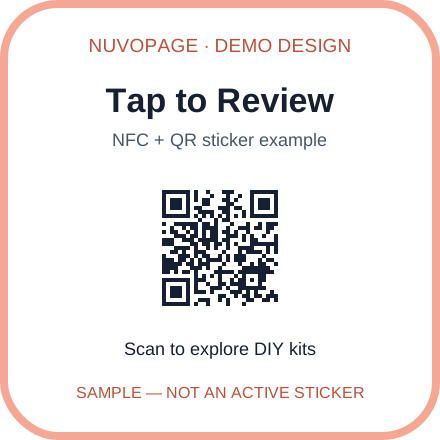
A real generated sticker gets its own unique public NuvoPage URL. Its customer sets the destination later.
Download demo artworkExample print sheet
Try an actual-size layout
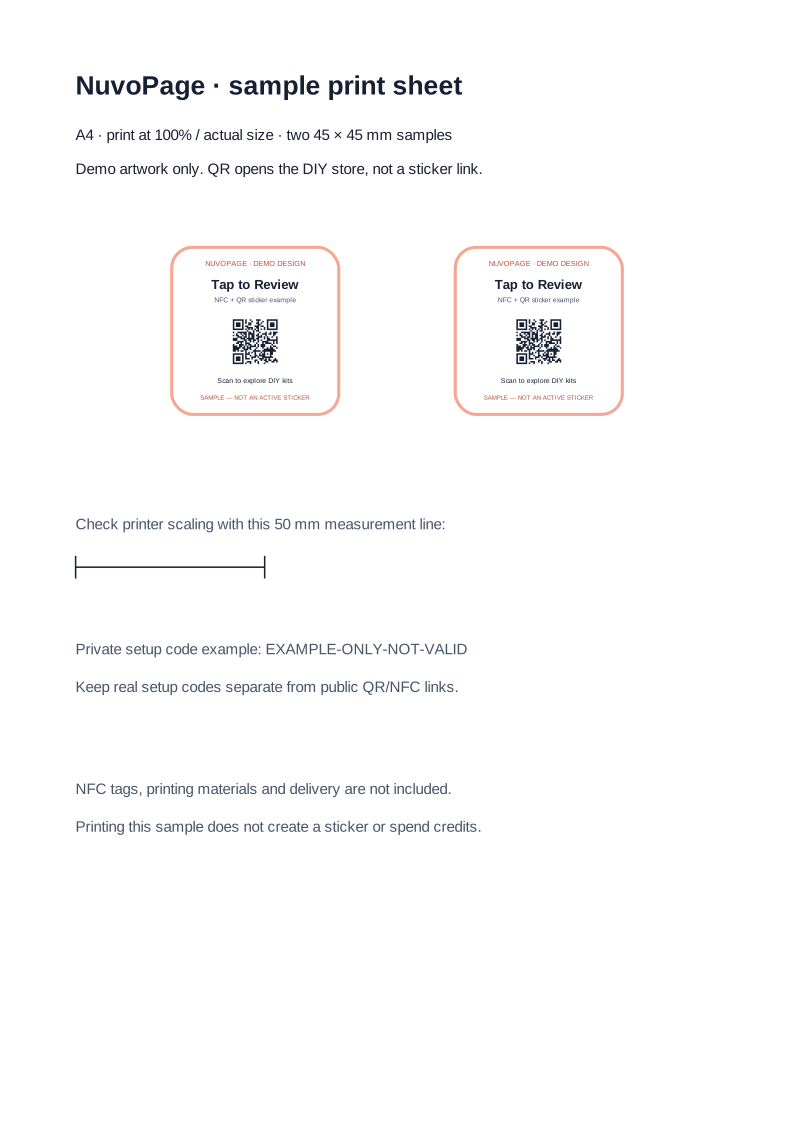
Open the A4 sheet and print at 100% / actual size. Measure the reference line to check printer scaling. Real batch downloads provide individual artwork files for arranging on your own sheets.
Download sample print sheetSetup instructions
Keep the public link and private code separate
- Buy credits, choose or upload a design, and generate a batch in Seller Tools.
- Download the ZIP. Print the artwork and program each NFC tag with its matching public URL. Test the QR and NFC tag before selling.
- Put the matching private setup code inside the customer’s package. Never encode it in the public QR or NFC URL.
- The customer adds the sticker to their NuvoPage account using the code and chooses its destination. They can change their link for free.
Private setup code example: EXAMPLE-ONLY-NOT-VALID
Demonstration only — this code cannot claim a sticker.
Digital product only. Supply your own NFC tags, printing materials and production. NuvoPage Store selling requires approval; you can sell elsewhere independently.